A/V and RCA (Composite Video, Audio) Cable for Raspberry Pi
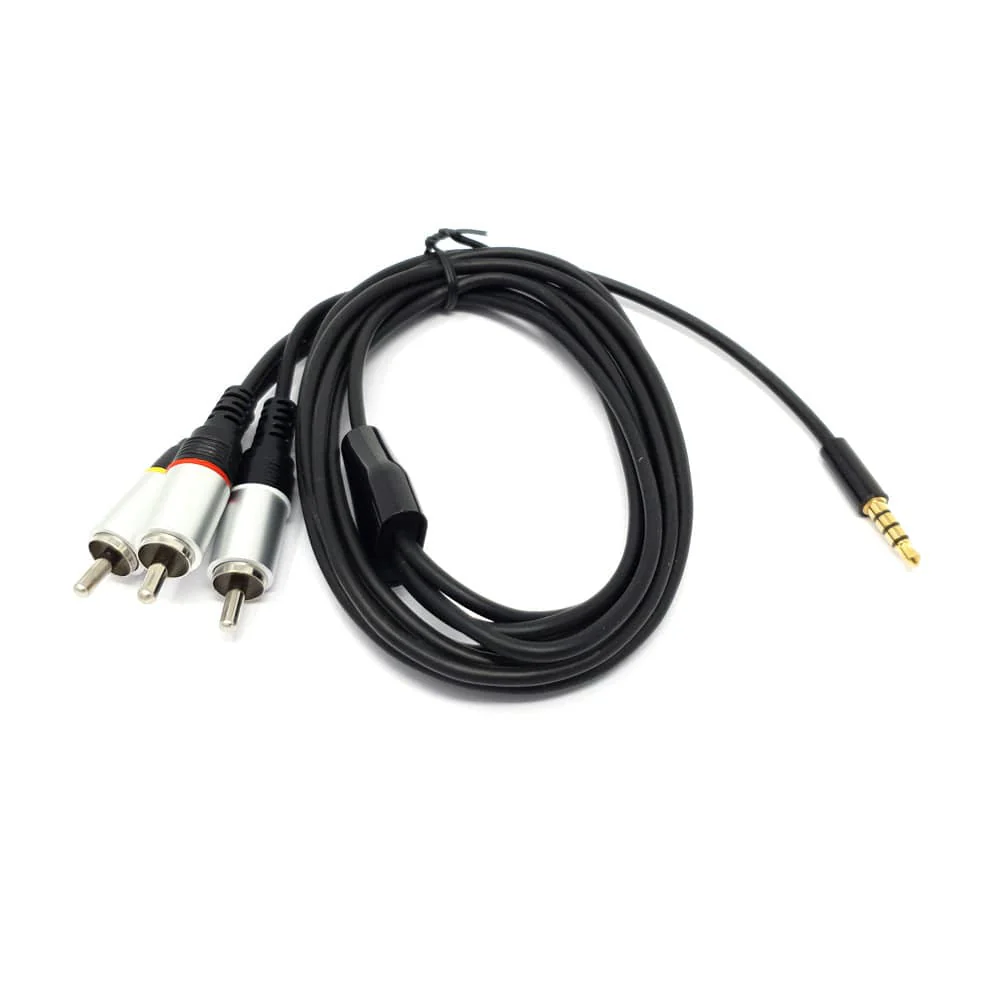
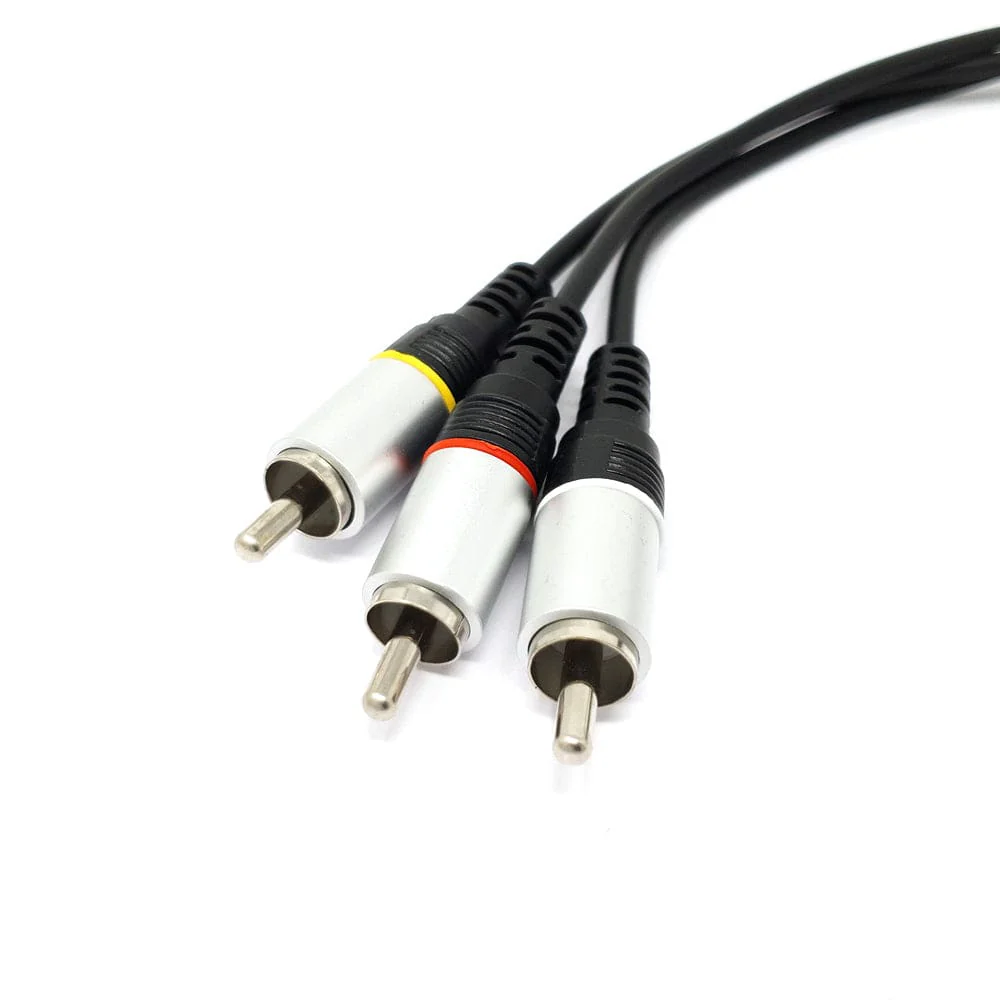
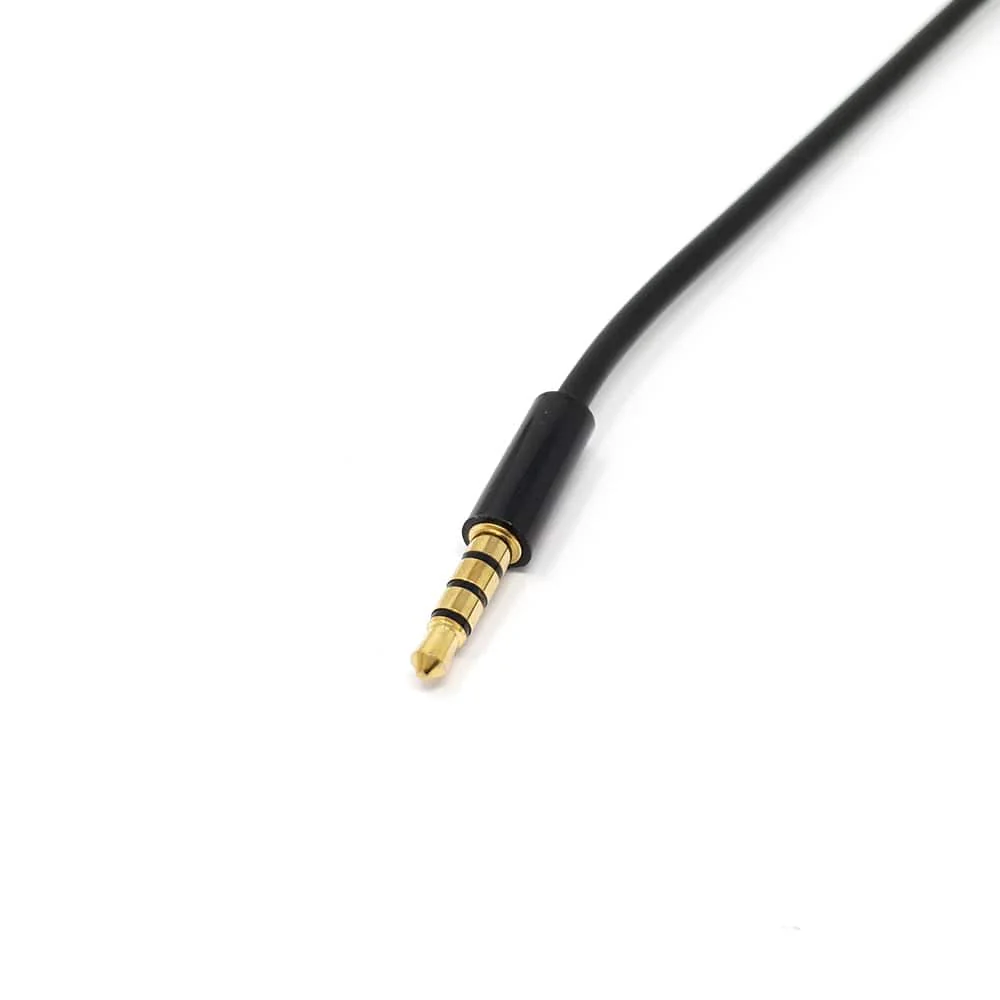
This cable plugs directly into your Raspberry Pi's 3.5mm jack and splits the signal into standard composite connections - red and white for audio and a single yellow composite video connection.
Also known as RCA connections, the composite ends can be plugged into your audio/visual system as another option for hooking your Raspberry Pi if HDMI isn't suitable for your project. The cable is approximately 5 feet long.
Remember to change the sound source, as your Raspberry Pi will likely still be pushing audio to the HDMI connection. To do this, right-click on the sound icon and select your audio device there. You can also select audio devices in the terminal via 'sudo raspi-config', selecting 'Advanced Options' then 'Audio'.
Pinout
From the sleeve to the tip in order: VIDEO (Sleeve) - GND - RIGHT AUDIO - LEFT AUDIO (Tip)
Features
- Compatible with the Raspberry Pi
- Weight: 44g
- Cable length: 5 feet
Original: $4.30
-65%$4.30
$1.50Product Information
Product Information
Shipping & Returns
Shipping & Returns
Description
This cable plugs directly into your Raspberry Pi's 3.5mm jack and splits the signal into standard composite connections - red and white for audio and a single yellow composite video connection.
Also known as RCA connections, the composite ends can be plugged into your audio/visual system as another option for hooking your Raspberry Pi if HDMI isn't suitable for your project. The cable is approximately 5 feet long.
Remember to change the sound source, as your Raspberry Pi will likely still be pushing audio to the HDMI connection. To do this, right-click on the sound icon and select your audio device there. You can also select audio devices in the terminal via 'sudo raspi-config', selecting 'Advanced Options' then 'Audio'.
Pinout
From the sleeve to the tip in order: VIDEO (Sleeve) - GND - RIGHT AUDIO - LEFT AUDIO (Tip)
Features
- Compatible with the Raspberry Pi
- Weight: 44g
- Cable length: 5 feet