🎉 Up to 70% Off Selected ItemsShop Sale
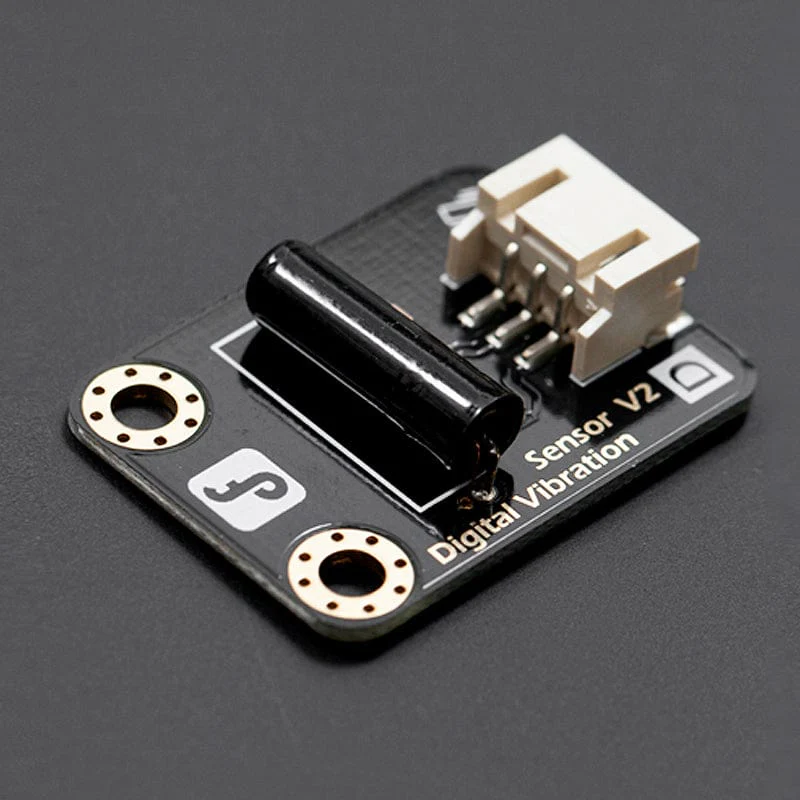
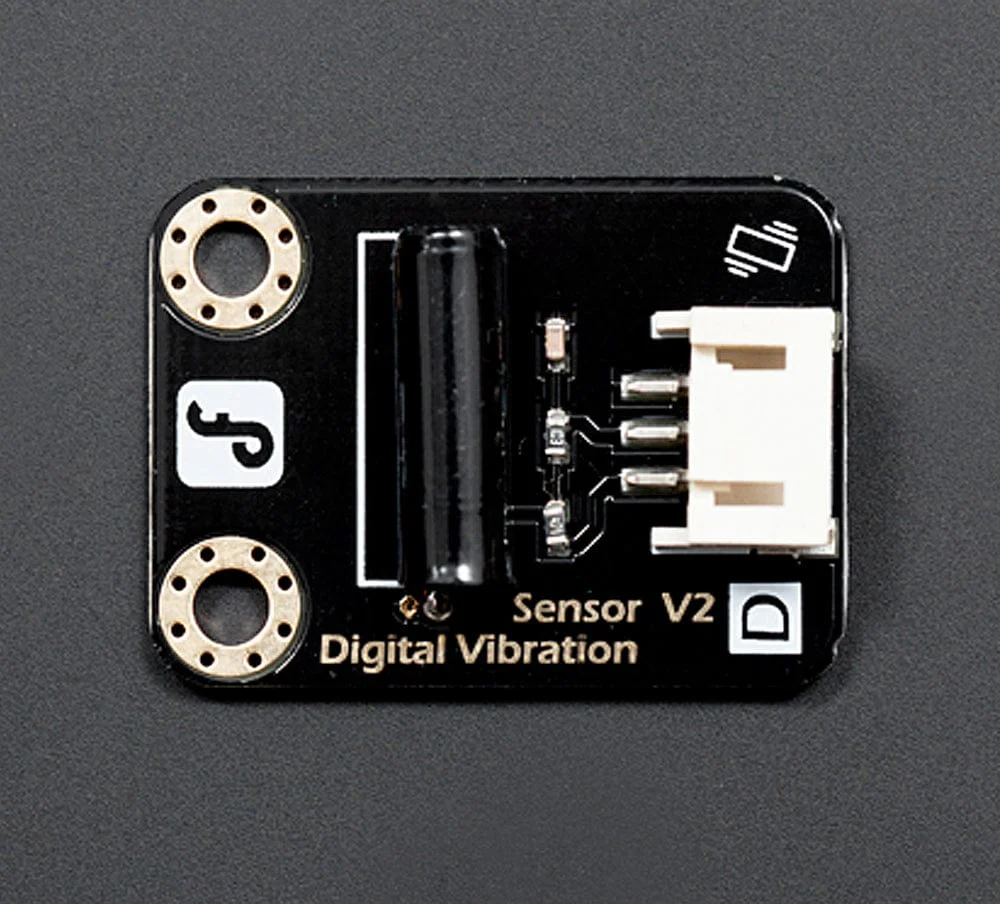
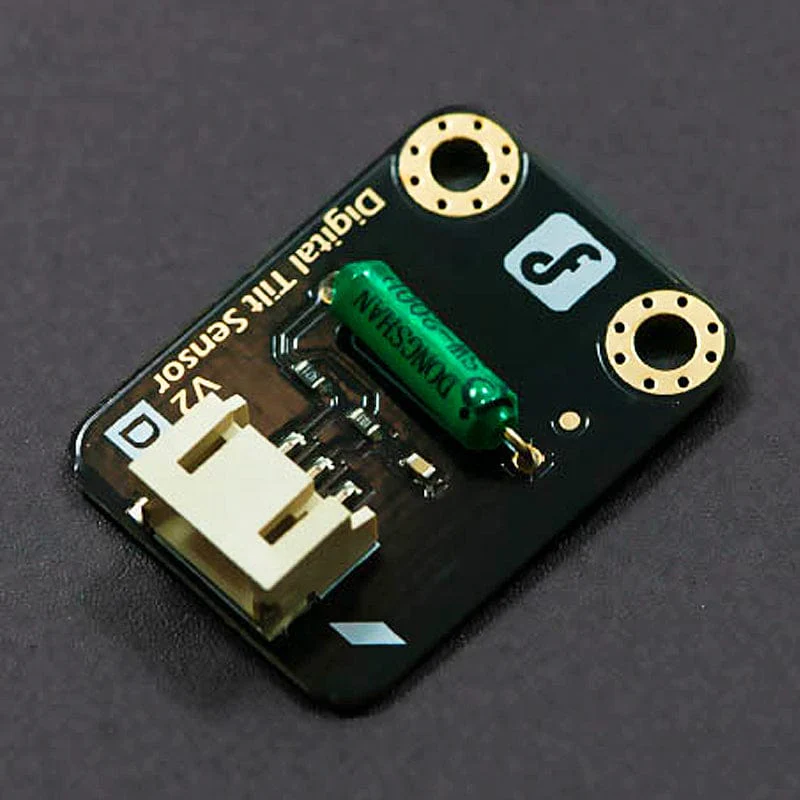
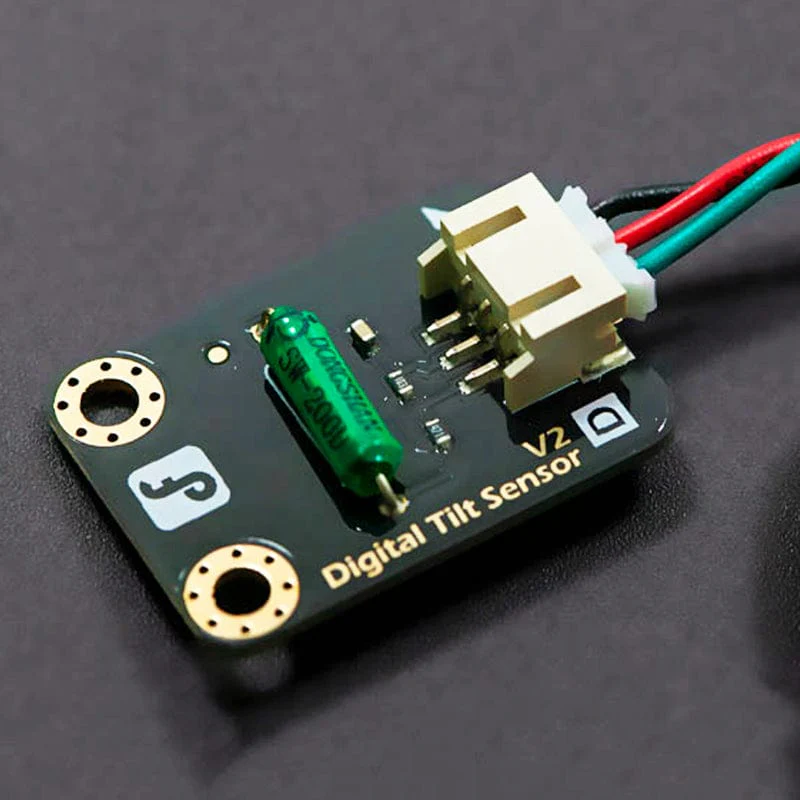
Gravity: Digital Vibration Sensor
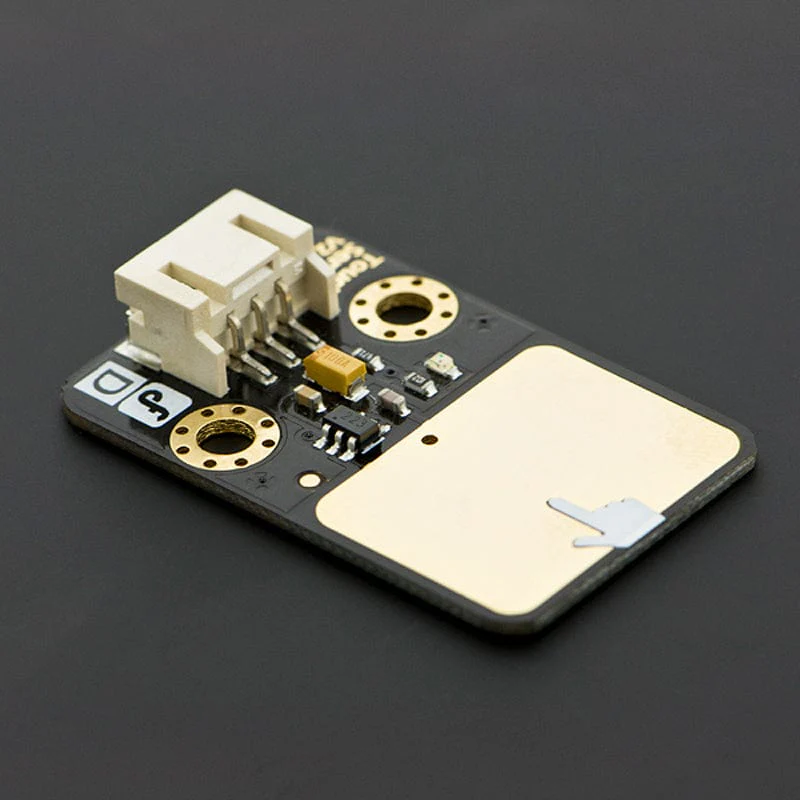
What's the simplest way to check vibration with Arduino? Use a vibration sensor from DFRobot. You can directly plug it on our IO Expesion Shield V7.
Despite it's simplicity, you can make full use of it with creative thinking, like step counting, crash warning lights and many more!
Features
- Wide voltage range from 3.3V to 5V
- Standard assembling structure (Times-of-5mm Center distance between two 3mm mounting holes)
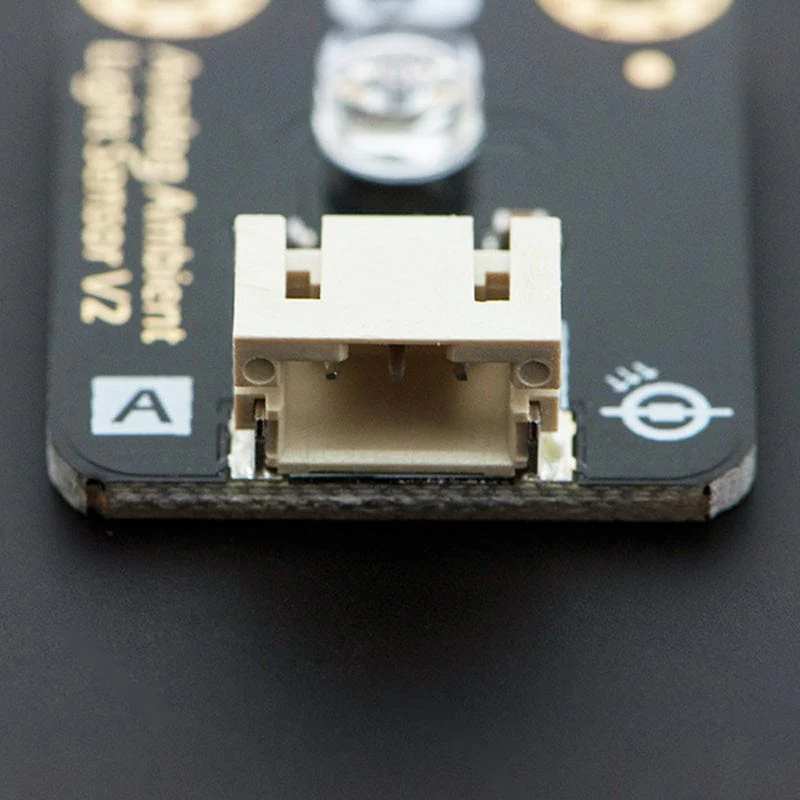
- Easily recognitive interfaces of sensors ("A" for analog and "D" for digital)
- Icons to simplely illustrate sensor function
- High quality connector
- Immersion gold surface
Connection Example - DFRduino UNO R3

Specifications
- IO Type: Digital
- Switch life: up to 10 million seconds
- Open circuit resistance: 10Mohm
-
Supply Voltage: 3.3V to 5V
-
Interface: Digital
-
Size: 22 x 30mm
Resources
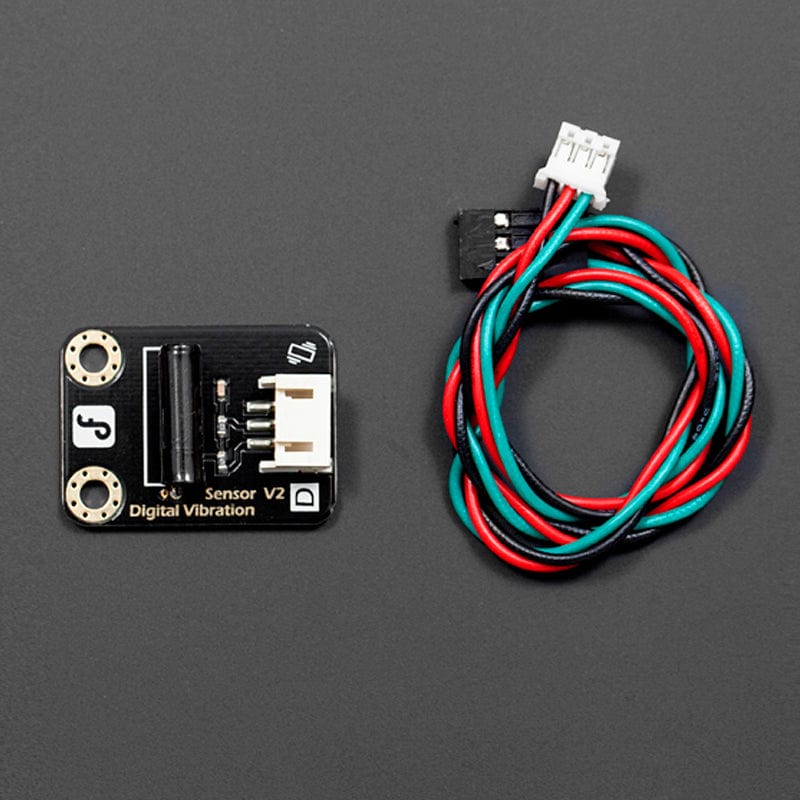
Package Contents
- 1x Sensor
- 1x Digital Sensor Cable
$2.40
Gravity: Digital Vibration Sensor—
$2.40
Product Information
Product Information
Shipping & Returns
Shipping & Returns
Description
What's the simplest way to check vibration with Arduino? Use a vibration sensor from DFRobot. You can directly plug it on our IO Expesion Shield V7.
Despite it's simplicity, you can make full use of it with creative thinking, like step counting, crash warning lights and many more!
Features
- Wide voltage range from 3.3V to 5V
- Standard assembling structure (Times-of-5mm Center distance between two 3mm mounting holes)
- Easily recognitive interfaces of sensors ("A" for analog and "D" for digital)
- Icons to simplely illustrate sensor function
- High quality connector
- Immersion gold surface
Connection Example - DFRduino UNO R3
Specifications
- IO Type: Digital
- Switch life: up to 10 million seconds
- Open circuit resistance: 10Mohm
-
Supply Voltage: 3.3V to 5V
-
Interface: Digital
-
Size: 22 x 30mm
Resources
Package Contents
- 1x Sensor
- 1x Digital Sensor Cable